Daftar Blog Saya

Senin, 12 Desember 2011

Seven Transformation pack for XP 5.1


Seven Transformation Pack will give your XP based system the cool and fresh look of Windows 7 and some if its popular features.

If you want to experience the Windows 7 user interface, Seven Transformation Pack makes it possible for free and with no need to actually install the Windows 7 OS.

This
software will update Windows XP and Windows Server 2003 with Windows 7 GUI by replacing system files and adding some themes.

Seven Transformation Pack will replace most of the system icons, skins and toolbars including Boot screen, Welcome Screen / Logon Screen, New msstyles files (visual styles), New desktop and file icons, New toolbar icons, Progress Dialogs, Sounds scheme, System Tray icons, New Wallpapers and add new enhancements to your desktop. Seven Transformation Pack 5.1 is licensed as Freeware for the Windows operating system / platform. Seven Transformation Pack is provided as a free download for all software users (Freeware).

Download here melalui filecluster :Transformation Pack 5.1 from filecluster

Minggu, 11 Desember 2011

Transformation win 7 pack

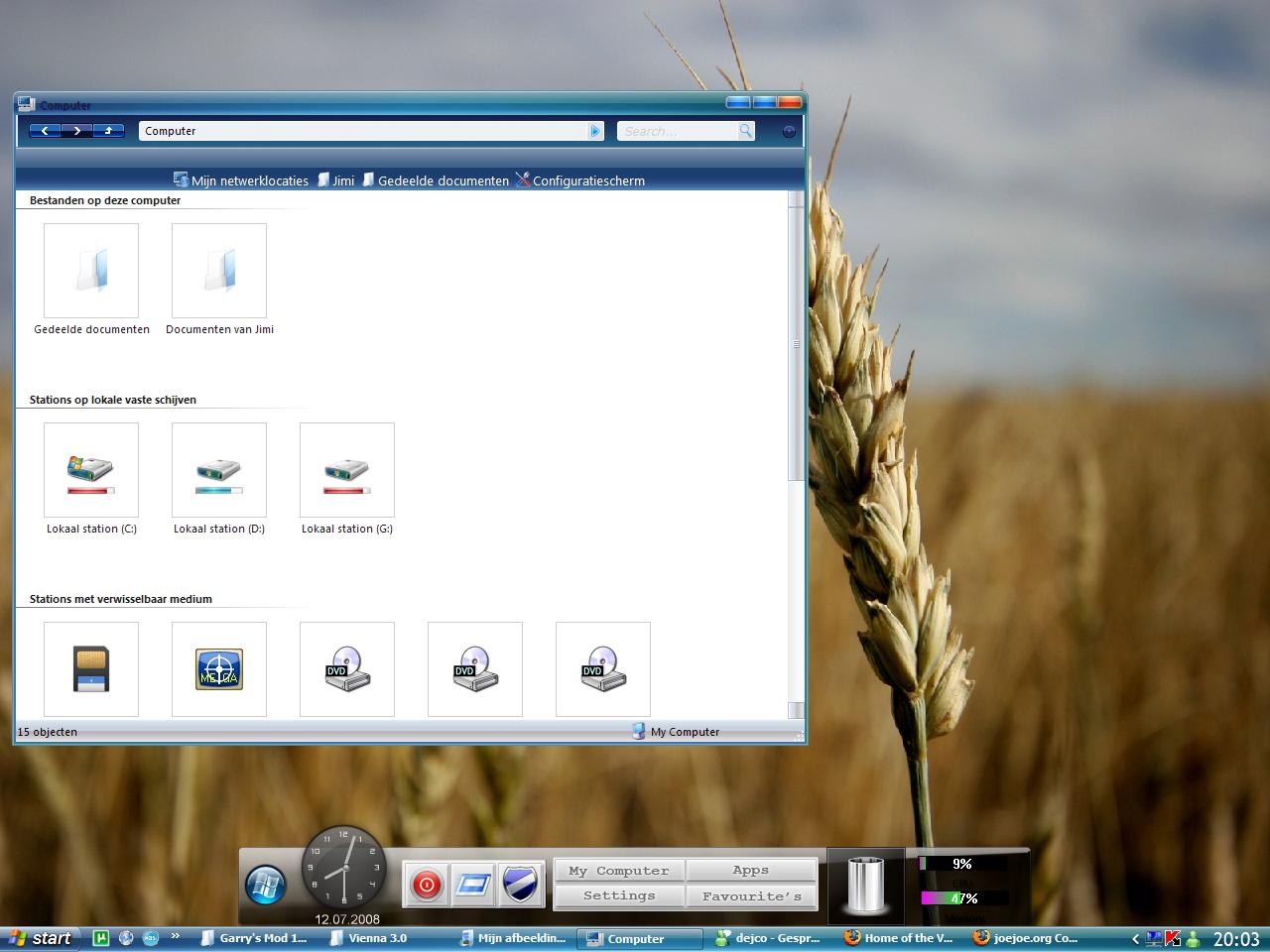
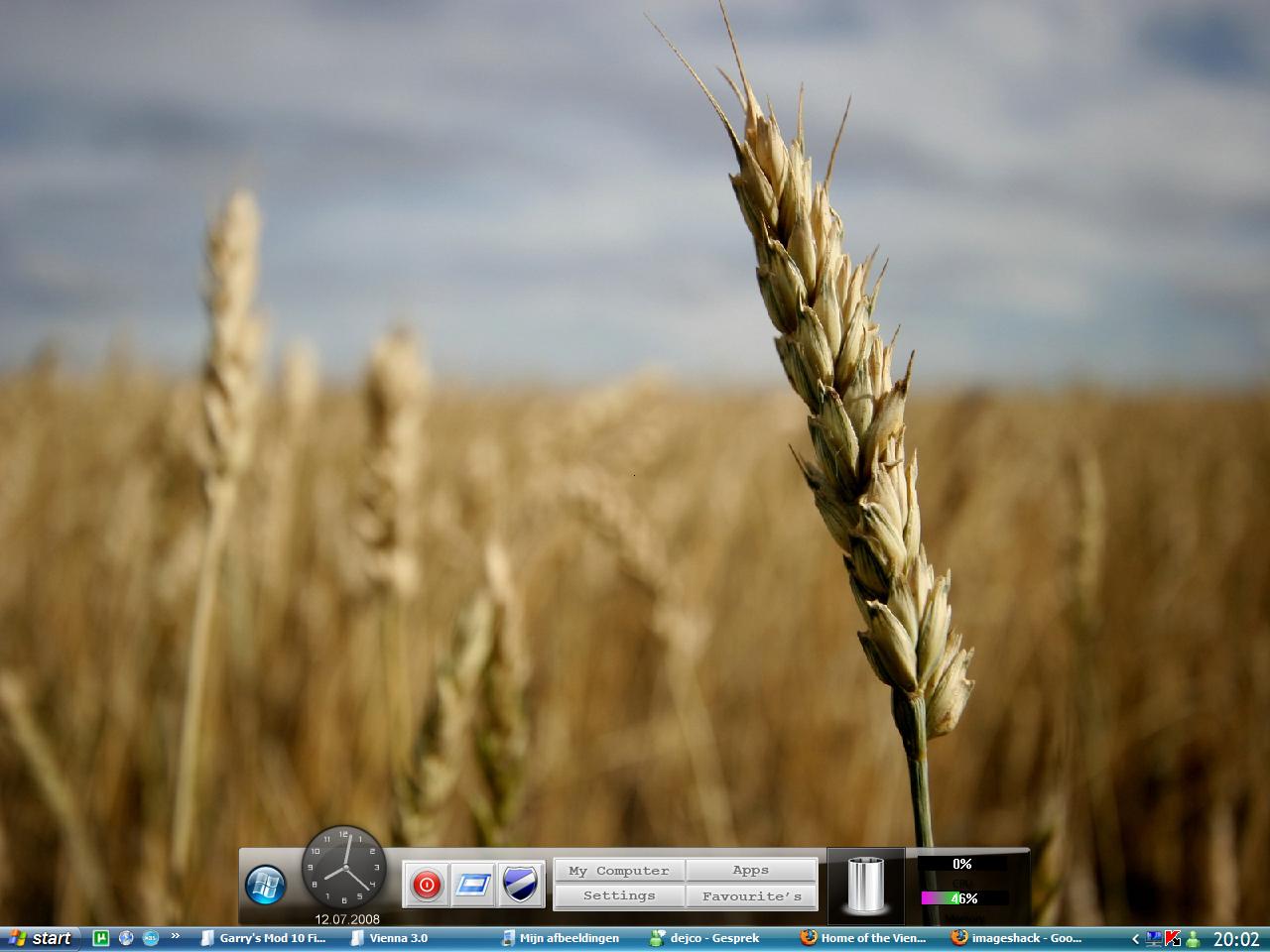
Windows 7 Vienna Transformation Pack
(Click Image To Enlarge)
Windows 7 Super Bar
Windows 7 Boot Screen
The massive 60 MB Vienna Transformation Pack v 3.0 lets you transform your Windows computer to a brand new, never seen before look.
Winodws 7/Vienna Transformation Pack Features :
  • Vienna Navigator.
  • Cool Superbar.
  • Windows 7 Visual Styles.
  • Sounds.
  • Windows 7 wallpapers.
  • Cursor Set.
  • Windows Vienna Logon Screen.
  • Windows Vienna Bootskin.
  • All the required applications to apply these effects.

File Splitter

aplikasi File Splitter ini, karena lebih cepat (jika menggabungkan file yang besar) dan lebih banyak mendukung format, seperti 001, _a, dll.

Changes from v3.2 to v3.3 :

  • Bug fixed: Auto drop shadow effects
  • Bug fixed: Drag n Drop behaviors
  • Bug fixed: FFSJ Shell Context Menu on Vista
  • FFSJ now uses Segoe UI font on Windows Vista
Cara menggabungkan file menggunakan FSJ :
  1. Taruh semua file yang di pecah (.001, .002, dst) dalam satu folder. Misal Desktop.
  2. Klik kanan file .001, lalu pilih join.
  3. Biarkan proses penggabungan file hingga selesai.
  4. Done!!
Disini tempat download nya

password: www.remo-xp.com
download: Download File Splitter 3.3

Nero Multimedia Suite 11

Nero Multimedia Suite 11 merupakan salah satu aplikasi yang memukinkan anda dapat melakukan rip, burn, back up, convert, edit, dan organize semua file media anda.


Cara Install dan Aktivasi Nero 11 :
  1. Download dan install Nero 11.
  2. Jangan lupa masukan serial "9004-027E-UM18-71C6-57TK-P034-UU8X-0U4A" pas proses instalasi berlangsung.
  3. Bila proses instalasi sudah selesai, sekarang jalankan file patch dengan cara klik kanan "Run as Administrator", lalu klik patch.
  4. Tunggu hingga muncul tulisan patch sukses.
  5. Selesai 
file download saya pecah menjadi lima bagian, anda harus mendownload ke lima bagian tersebut, jika sudah didownload semua, anda bisa menggunakan aplikasi File Splitter untuk menggabungkannya kembali. Klik kanan part1 (.001) lalu klik join.

INFO : Part 1 - 4 di mediafire, dan part 5 di enterupload. Jika enterupload tidak bisa di akses, silahkan baca tips mengakses enterupload. Untuk download File Splitter ada di blog saya juga.


Download Nero Multimedia Suite 11 Full Patch Serial :
Part 1 
Part 2 
Part 3 
Part 4 
Part 5 

Sabtu, 10 Desember 2011

Free download Teracopy

Free Download TeraCopy Pro v2.2 Full Version

  • Copy files faster. TeraCopy uses dynamically adjusted buffers to reduce seek times. Asynchronous copy speeds up file transfer between two physical hard drives.
  • Pause and resume file transfers. Pause copy process at any time to free up system resources and continue with a single click.
  • Error recovery. In case of copy error, TeraCopy will try several times and in the worse case just skip the file, not terminating the entire transfer.
  • Interactive file list. TeraCopy shows failed file transfers and lets you fix the problem and recopy only problem files.
  • Shell integration. TeraCopy can completely replace Explorer copy and move functions, allowing you work with files as usual.
  • Full Unicode support.
  • Windows 7 x64 support.
Untuk Free Download TeraCopy Pro v2.2 Full Version, sobat dapat mengunakan link download yang sudah saya sediakan di bawah ini:

Free Download Microsoft Office 2010

Teman-teman udah pernah nyobain belum Microsoft Office 2010? Kalo teman-teman belum nyobain, teman-teman bisa download disini secara gratis udah plus activator lagi. Nah bagi yang penasaran, teman-teman bisa download disini :
disini ada 7 bagian jadi harus download satu persatu, dan stiap bagian berukuran 100MB, bila sudah terdownload, kemudian install.
and ENJOY!

Sabtu, 29 Oktober 2011

Perjalanan Alfonso de Albuquerque


Alfonso de Albuquerque (or Afonso d'Albuquerque - disused) (pronounced [ɐˈfõsu dɨ aɫbuˈkɛɾk(ɨ)]) (treated with a Don by some although his birth didn't entitle him to that treatment) (1453, Alhandra - Goa, December 16, 1515) was a Portuguese fidalgo, or nobleman, a naval general officer who, by his military and administrative activities, conquered and established the Portuguese colonial empire in the Indian Ocean. After gaining military experience in North Africa, in 1503 he set out on his first expedition to the East, which was to be the scene of his future triumphs. In company with his kinsman Dom Francisco da Alameda, he sailed round the Cape of Good Hope to India and succeeded in establishing the king of Cochin securely on his throne. In return for his services, he obtained permission to build a Portuguese fort at Cochin, thus laying the foundation of his country's empire in the East. In November 1509, he became the second viceroy of the State of India, a position he held until his death. In 1510, he took possession of Goa and set up an administration there, intending to use it as a base to dominate the Muslim world, assume active control of the spice trading network, and establish permanent fortresses with settlements. His last warlike undertaking was a second attack upon Ormuz in 1515. The island yielded to him without resistance, and it remained in the possession of the Portuguese until 1622.
Alfonso de Albuquerque was for some time known as The Great, The Caesar of the East and as The Portuguese Mars. He was created first Duke of Goa by king Manuel I of Portugal shortly before his death, becoming the first Portuguese duke not of the royal family, and the first Portuguese title landed overseas. He attempted to close all the Indian Ocean naval passages to the Atlantic, Red Sea, Persian Gulf, and to the Pacific, transforming it into a Portuguese Mare Nostrum established over the Turkish power and their Muslim and Hindu allies. [1]